
 This topic was suggested by youtube viewer jasdsb. If you have any suggestions, or would like me to cover any particular topic, please don’t hesitate to ask. I always appreciate your feedback!
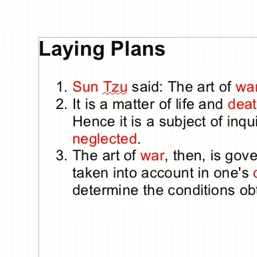
In this episode we take a look at how to perform a mail merge in LibreOffice. A mail merge involves using a text document as a template, and “merging” it with records maintained in a database. Usually this is done when personalizing mass mailings so that the recipient’s name and address appear in the document. To make theexercisea little more interested, in this episode we use the mail merge capabilities of LibreOffice, and create a game of “Madlibs”.
In situations where you have hundreds of names and addresses that you want to send a letter to, or if you just want to print an address label for each of your contacts to attach to a party invitation, LibreOffice and mail merge can save you a lot of time by automating the process. This might not be something you use everyday, but when you need it, you will be glad you know how to do it.